Digital duty of care: what Australian schools can do now
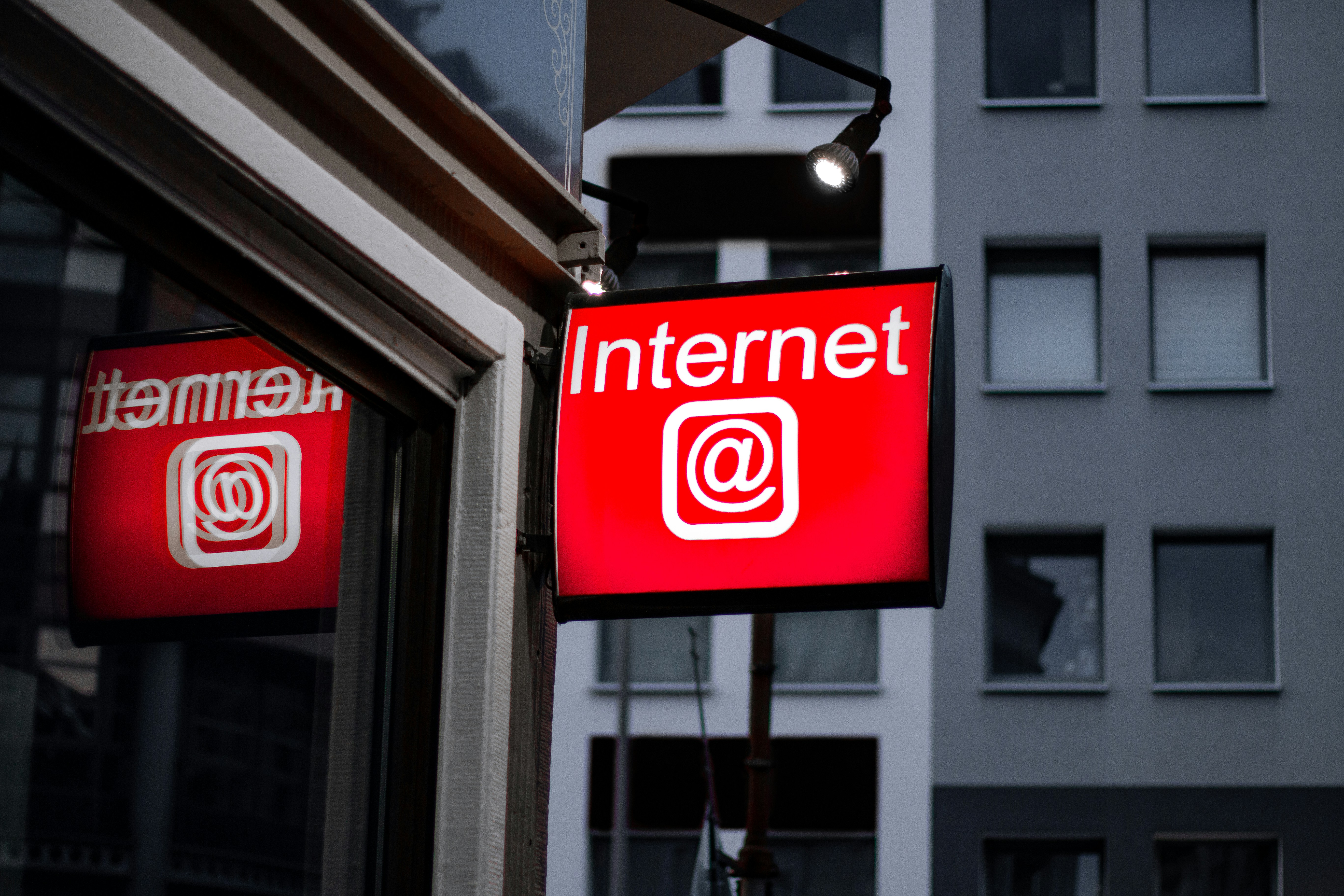
Photo by Leon Seibert on Unsplash.
A recent LinkedIn post by David Nichols, a current member of MITIE’s Steering Committee, raised a useful question: what can schools do now about the responsibilities Australia’s proposed digital duty of care would place on online platforms?
I support making providers answerable for foreseeable harm through their services. Schools can apply that principle when choosing technology, while still scrutinising how the legislation would work.
The government introduced the Online Safety Amendment (Digital Duty of Care) Bill 2026 on 15 October 2026. Its announcement describes proposed safety requirements for services including games, social media and AI chatbots, with penalties of up to $109.2 million. The proposed duty includes additional protection for under-18s and attention to harmful service features as well as content. These are proposed obligations, rather than requirements already in force.
The detail matters. The Australian Human Rights Commission’s submission on the September exposure draft sought clearer definitions of harm, narrower ministerial powers and stronger protection for human rights. The Minister says the introduced version clarifies exemptions for professional news and entertainment media and parliamentary scrutiny of additional harms. Those changes need to be considered when assessing the earlier criticism.
My concern is that uncertain boundaries and heavy penalties could encourage platforms to restrict legitimate information too broadly. Protecting children, privacy and access to information all deserve attention.
Schools already have responsibilities towards students. eSafety’s guidance connects their duty of care with responding to foreseeable harm. That is distinct from the proposed platform regime; buying software does not, by itself, mean a school takes on the provider’s proposed duties or penalties.
In my work across Queensland state schools and independent-school IT, application reviews have been one practical way to address these questions. In state schools, that often involved consulting a risk review register: a shared starting point for understanding a tool before putting it in front of students.
For independent schools, Safer Technologies 4 Schools (ST4S) is a useful resource. It also covers government and Catholic sectors and New Zealand. Administered by Education Services Australia, it provides consistent assessments of digital products, including security and privacy controls. Authorised staff can use its catalogue to check assessment status and access completed reports.
I would use those findings in the school’s own review, checking the proposed activity, student age group and settings. A badge or catalogue entry should prompt staff to read the assessment and its conditions. The school still needs to decide whether that particular use is appropriate.
For each significant tool, I would want clear answers to five questions:
- What educational purpose does it serve, and for which students?
- What information does it collect, retain or share, including for AI training?
- Which features and safeguards are enabled?
- Who responds when a student needs help?
- Who owns the decision, and what changes would trigger another review?
That last question matters when a supplier adds an AI assistant to an approved product. New conversations or data collection can introduce risks the original review never considered.
Another area I have looked at is filtering and monitoring that gives schools greater visibility of student activity. The opportunity is to get relevant information to wellbeing staff early enough to help.
DNS filtering can block a domain, but DNS alone cannot reveal the words a student types into Google. Allowing the search engine says little about an individual search. A DNS log cannot provide search terms it never captured.
Some tools offer additional visibility, depending on their configuration and the devices or browsers covered. For example, Linewize documents alerts that can include captured search terms and reach wellbeing or leadership staff. Schools need to verify what their own deployment can see.
Imagine a student searching for help with bullying on an allowed search engine. With suitable monitoring, that activity might prompt an alert without blocking access to a legitimate resource. An authorised wellbeing contact could consider whether support is needed. This is an illustrative scenario, rather than an incident at a particular school.
The useful change is connecting relevant information with someone who can act on it. Where detailed activity is captured, leaving it in an IT log until an investigation is requested may miss an opportunity for earlier support. IT establishes collection, permissions and delivery; wellbeing staff bring the context and judgement needed to respond.
An alert still needs interpretation. A concerning phrase might come from an assignment, a quotation or a disclosure. It should not automatically become evidence of misconduct. Schools need agreed recipients, urgency criteria, backup contacts and realistic arrangements outside staffed hours.
Privacy belongs in that process. Staff should see only the students and information relevant to their role. A useful alert may need limited context; access to a wider search history needs a clear purpose and authorisation. Families should understand what is monitored, who can access it, how long it is retained and where coverage ends.
Students also need a voice. eSafety’s Best Practice Framework supports their participation in online safety education. Teaching should connect to everyday decisions: why an app wants information, how to question an AI response, and where to seek help. Technical safeguards work alongside that learning and trusted relationships.
A school can begin with one widely used platform. Bring teaching, IT, wellbeing and leadership together, review its settings and information handling, then walk through a plausible student concern. Record the gaps and assign follow-up work. Whatever happens to the bill, that gives the school a clearer account of how its technology supports and protects students.